Launch stack · RMM
ConnectWise Automate + AI Autopilot
ConnectWise Automate is the execution side of the ConnectWise PSA + Automate launch pairing: where an approved fix runs on the computer and where its result is read back.
207 tools · by domain
 ConnectWise Automate
- Automation, Patch & Remote64
- Platform Admin & Integrations45
- Clients & Contacts37
- Monitoring & Alerts31
- Assets & CMDB28
Modeled connector coverage, not completed executions.
StackJack connector catalogue
The operating model lists StackJack connector coverage. Tenant access is scoped and authorised per MSP; a catalogue entry does not establish a working launch workflow.
Limited supervised launch
ConnectWise PSA + ConnectWise Automate
Agree which Automate locations and computers are in scope, and which fixes may run there once a technician approves them.
- This platform's role
- RMM: where approved fixes run
- Paired with
- ConnectWise PSA
How a ticket is resolved across the pair
A ticket arrives in the PSA. Claudia asks the user targeted questions, checks what it can without changing anything, and proposes a fix. Your technician approves it, the fix runs through the RMM, and the result and the closure note go back on the ticket.
End-to-end resolution through this pairing has not yet been demonstrated in a customer tenant. The ticket types, approvers and permissions are agreed with your team first.
What to agree first
- Which ticket types Claudia handles first, and which stay with your technicians.
- Who approves a fix for each client, and what they see before approving.
- Which PSA and RMM permissions Claudia's account needs, and which it must not have.
- Where closure notes and approvals are recorded, so your team can audit every change.
Questions to settle before your pilot
- Which Automate locations and computers are in the pilot?
- Which kinds of fix may run there once a technician approves them?
- Which account and permissions will run approved fixes, and who reviews that access?
- How will your technician see what ran and what came back?
Request a workflow demo to discuss the scope, or join the supervised launch waitlist. An enquiry is not confirmation that the workflow is ready in your tenant.
Modeled connector coverage
207 catalogued tools for ConnectWise Automate
Endpoints and the automation that runs on them: devices, alerts, audits, patching, scripts and jobs. 123 read · 84 write.
- Automation, Patch & Remote64 tools
- Platform Admin & Integrations45 tools
- Clients & Contacts37 tools
- Monitoring & Alerts31 tools
- Assets & CMDB28 tools
- Service Desk & Tickets2 tools
Counts from The Agentic MSP Operating Model, version 4.361.0, transcribed from the connector's published catalogue on 2026-09-17. These describe the connector surface, not verified tenant permissions or completed workflows.
Operating-model roles
4 of the five service-desk agent roles map to this category
This is the model's category-level mapping. It does not establish that these agents have executed against your tenant.
- Stage 2AI Intake & Triage AgentThe model defines an intake stage that matches requests to ticket types and proposes priority against the client's SLA. The current launch is supervised and scoped with your team.
- Stage 3AI Dispatch & Scheduling AgentThe model defines assignment recommendations using skill, tier fit, pod load and calendar availability, with supporting rationale and access checks. Pilot capabilities are agreed separately.
- Stage 4AI Autonomous Remediation AgentThe model defines a resolution plan, verification steps and closure notes for each ticket type. In the launch, Claudia runs the fix only after your technician approves it.
- Stage 5AI Service Desk WatchdogThe model defines a watchdog stage for SLA monitoring, client follow-up and breach-risk alerts. These responsibilities describe the broader model; pilot capabilities are agreed separately.
 Jamf Pro
 ImmyBot
 Addigy
 Action1
 NinjaOne
 N-central
 Atera
Atera Datto RMM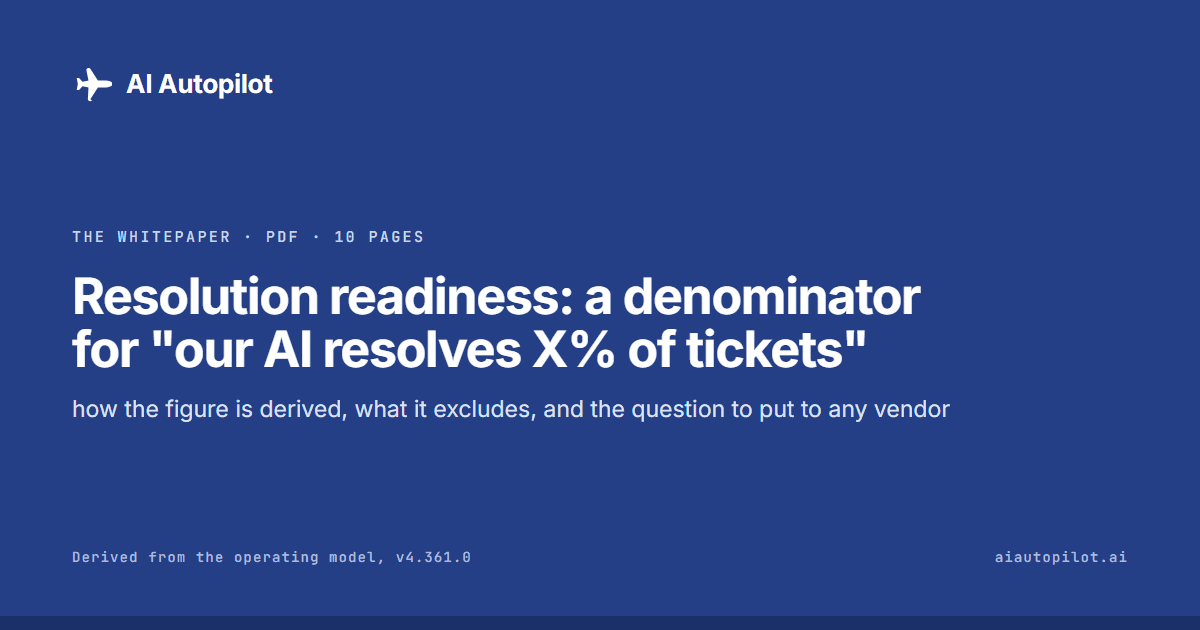
The whitepaper · 10 pages · PDF
Resolution readiness: a denominator for "our AI resolves X% of tickets"
Every vendor claims a resolution rate. This is what a denominator for one looks like.
Questions
Planning a ConnectWise Automate connection
Does this listing confirm a working integration?
No. It describes ConnectWise Automate's connector surface in the operating model. Tenant access, the selected task, result retrieval and any PSA linkage must be reviewed and demonstrated separately.
What access does AI Autopilot need to ConnectWise Automate?
That depends on the task and tenant. Before a pilot, review the available StackJack connection, execution identity, permissions, authorised targets and how access will be withdrawn. This page does not prescribe a permission set or confirm your current configuration. The initial launch is supervised.
Does onboarding guarantee this connector or workflow is ready?
No. The published onboarding session describes the service offered, not proof that a particular tenant connection or workflow has passed validation. Agree the stack, prerequisites and intended task with the team before treating it as ready.
Request an integration
Running something else as well?
Tell us the rest of your stack and the task you want to explore so we can review scope and access with you.
Discuss your ConnectWise PSA + ConnectWise Automate workflow
Claudia is invite-only for a limited supervised launch.