Microsoft 365 connector
CIPP + AI Autopilot
CIPP — the CyberDrain Improved Partner Portal — is the open-source, multi-tenant Microsoft 365 management portal many MSPs standardise on.
434 tools · by domain
 CIPP
CIPP- Platform Admin & Integrations95
- Identity & Access90
- Clients & Contacts88
- Automation, Patch & Remote72
- Security & Threat65
Modeled connector coverage, not completed executions.
StackJack connector catalogue
The operating model lists StackJack connector coverage. Tenant access is scoped and authorised per MSP; a catalogue entry does not establish a working launch workflow.
Modeled connector coverage
434 catalogued tools for CIPP
Tenants, identities, licences, mailboxes and policies across the Microsoft 365 estate, through Graph or CIPP. 173 read · 261 write.
- Platform Admin & Integrations95 tools
- Identity & Access90 tools
- Clients & Contacts88 tools
- Automation, Patch & Remote72 tools
- Security & Threat65 tools
- Monitoring & Alerts12 tools
- Analytics & Intelligence12 tools
Counts from The Agentic MSP Operating Model, version 4.361.0, transcribed from the connector's published catalogue on 2026-09-17. These describe the connector surface, not verified tenant permissions or completed workflows.
Operating-model roles
3 of the five service-desk agent roles map to this category
This is the model's category-level mapping. It does not establish that these agents have executed against your tenant.
- Stage 1AI Client ConciergeThe model defines a client-facing stage for password-reset guidance, ticket status, guided setup and collecting the detail the service desk needs. Pilot capabilities are agreed separately.
- Stage 4AI Autonomous Remediation AgentThe model defines a resolution plan, verification steps and closure notes for each ticket type. In the launch, Claudia runs the fix only after your technician approves it.
- Stage 5AI Service Desk WatchdogThe model defines a watchdog stage for SLA monitoring, client follow-up and breach-risk alerts. These responsibilities describe the broader model; pilot capabilities are agreed separately.
Also in this category
Also in Microsoft 365 management
 Microsoft 365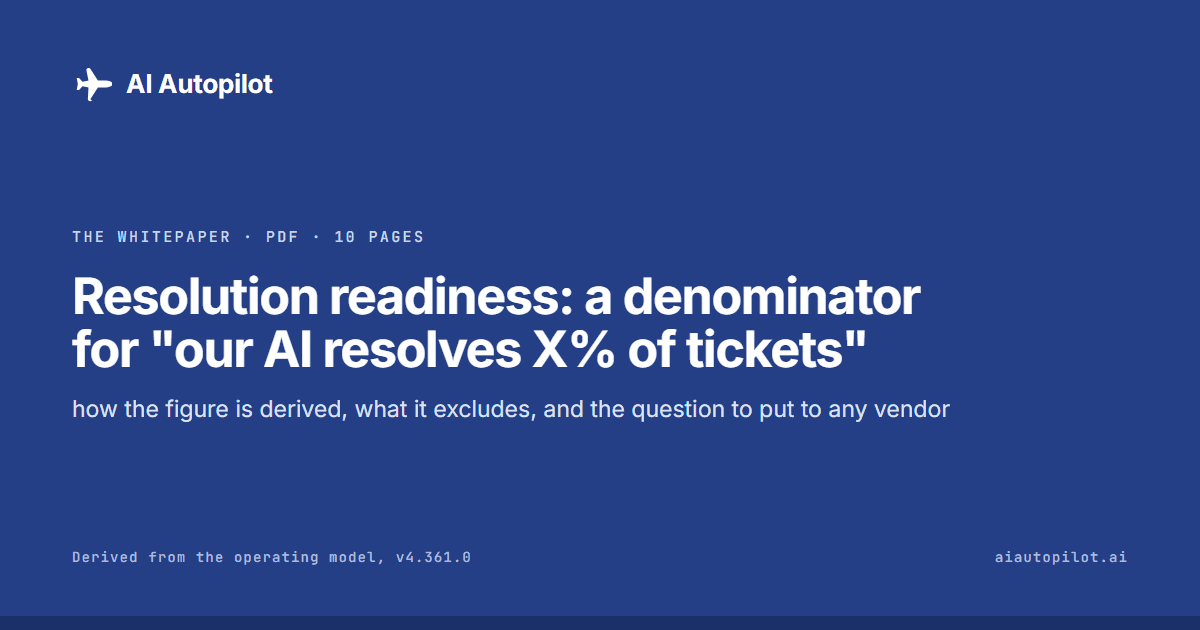
The whitepaper · 10 pages · PDF
Resolution readiness: a denominator for "our AI resolves X% of tickets"
Every vendor claims a resolution rate. This is what a denominator for one looks like.
Questions
Planning a CIPP connection
Does this listing confirm a working integration?
No. It describes CIPP's connector surface in the operating model. Tenant access, the selected task, result retrieval and any PSA linkage must be reviewed and demonstrated separately.
What access does AI Autopilot need to CIPP?
That depends on the task and tenant. Before a pilot, review the available StackJack connection, execution identity, permissions, authorised targets and how access will be withdrawn. This page does not prescribe a permission set or confirm your current configuration. The initial launch is supervised.
Does onboarding guarantee this connector or workflow is ready?
No. The published onboarding session describes the service offered, not proof that a particular tenant connection or workflow has passed validation. Agree the stack, prerequisites and intended task with the team before treating it as ready.
Request an integration
Running something else as well?
Tell us the rest of your stack and the task you want to explore so we can review scope and access with you.
Discuss your CIPP workflow
Claudia is invite-only for a limited supervised launch.